Auto Trips
Turn it on once. Trippy notices when you arrive somewhere new and builds the trip in the background — stops, dates, and route included.

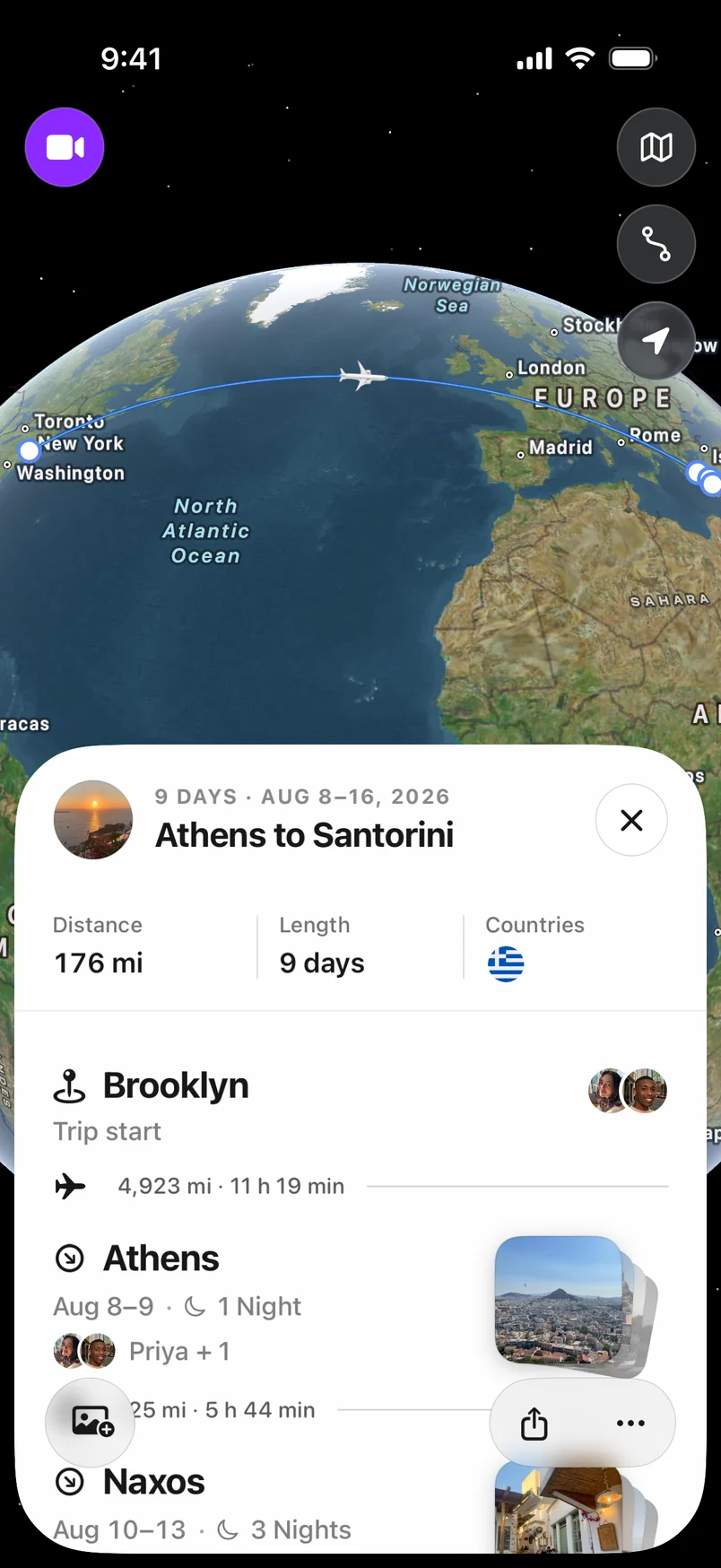
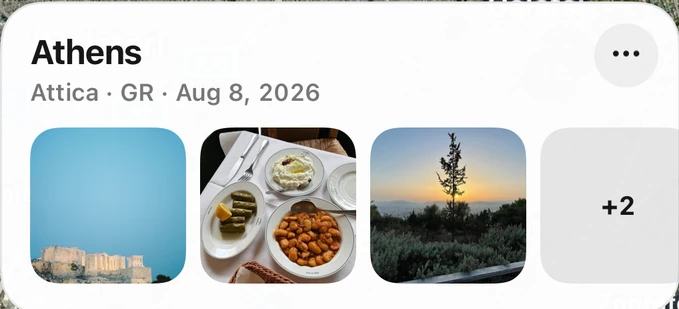
There’s no start button for a trip.
There shouldn’t be one for remembering it either. Step through an example to see how stops become a trip.

An example trip
A new place. Noted.
Arrival detection notices a stop while you get on with your day.
Turn on Auto Trips. Enable it in Trippy and allow Always location access with Precise Location for background detection.
Go about your trip. Trippy uses arrivals, departures, and significant location changes to remember where you go.
Come back to the story. Your travel takes shape in Trippy. With photo access, new away-from-home photos can join the trip too.
Made to fit into your day, not take it over.
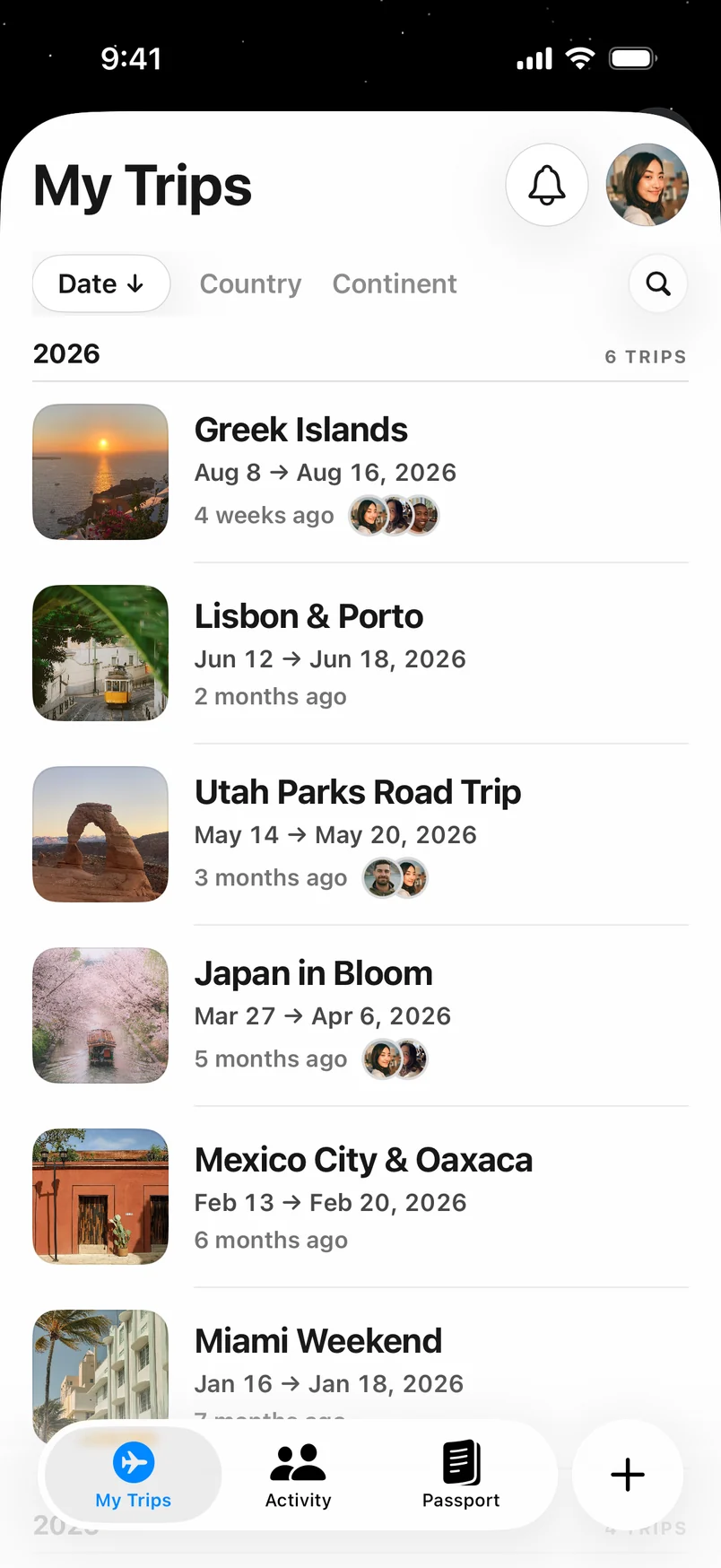
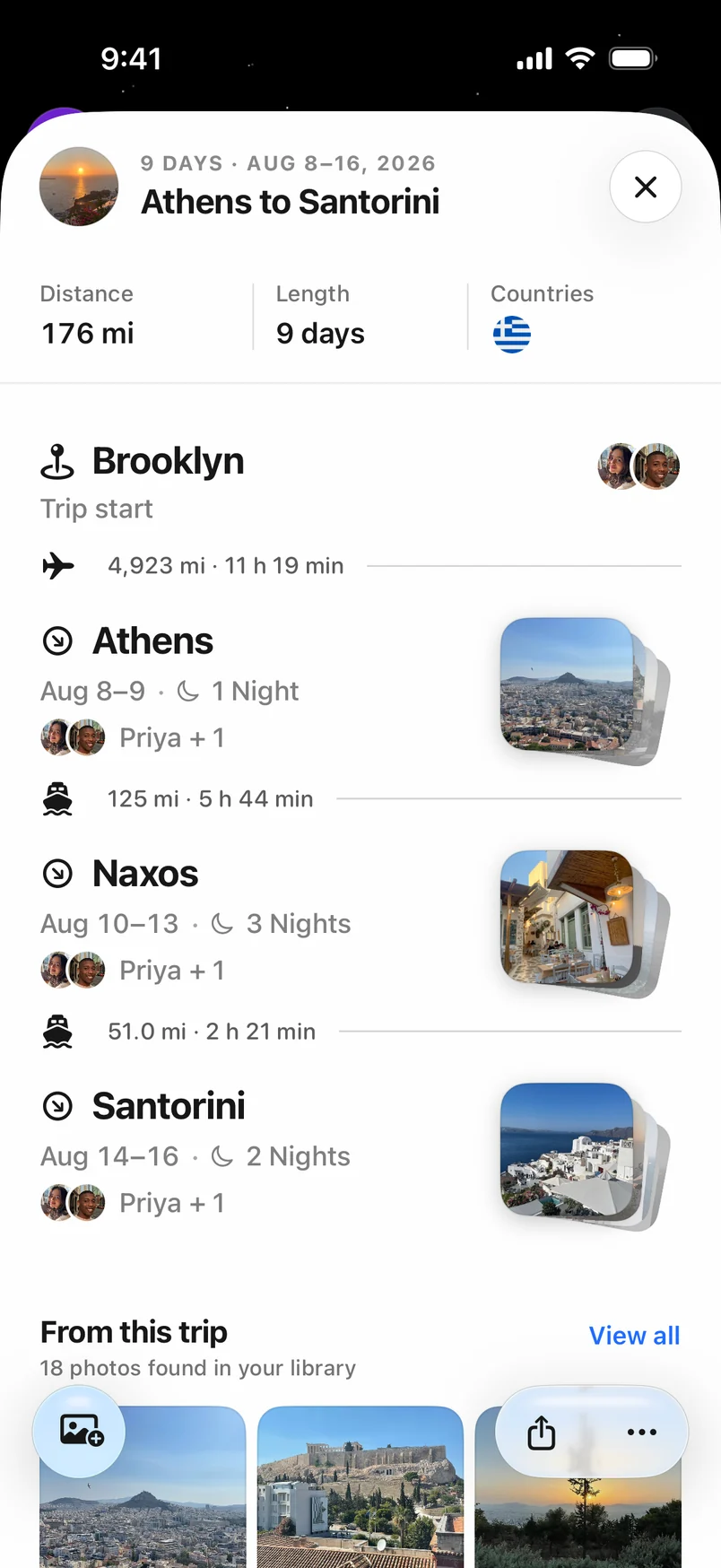
A few days away. One complete trip.
Stops become trips. Photos add the detail. Everything is waiting in Trippy long after you’ve unpacked.
Gentle by design. Auto Trips uses low-power arrival detection and significant location changes, rather than continuously recording a detailed GPS trail.
You’re in control. Auto Trips starts off. Turn it on when you’re ready and off in Settings whenever you like. Raw location captures stay on your device during capture.
Read the privacy policyAuto Trips is part of Trippy Pro.
Along with background photo updates, deeper insights, Memories, trip videos, and live travel.
More about Auto Trips.
Does Auto Trips work with Trippy closed?
Yes, with Trippy Pro and Always location permission enabled. iOS delivers arrival, departure, and significant-location updates in the background. Detection timing depends on iOS and your device settings; this is not a second-by-second GPS recorder.
Which permissions do I need?
Enable Always location access and Precise Location for background Auto Trips. Motion & Fitness adds transport context. Photo access is needed only for photo enrichment. With While Using location access, location capture is limited to the foreground.
How is this different from importing my photos?
Photo-based trip discovery looks back at places in your photo library. Auto Trips records future travel using location signals, including stops where you never take a photo. With Pro, background photo updates can add new photos along the way.
Does it share my location with friends?
Auto Trips and social sharing serve different purposes. Auto Trips builds your travel record. Live travel visibility follows your sharing settings; you stay in control of what your circle can see.
What if I turn it off or my Pro subscription ends?
New automatic capture stops. Existing captured travel history is kept. You can resume by turning Auto Trips back on with an active Pro subscription and the required location permissions.
Go. Trippy will remember where.
Download Trippy, turn on Auto Trips with Pro, and let the next trip log itself.
Download on the App StoreRequires iPhone. Trippy Pro is optional.